Design in 3D, Right in Your Browser

Pascal Editor is a powerful 3D building editor that runs entirely in your browser. Create detailed architectural models with advanced tools and connect with AI agents for enhanced workflows.

Problems We Solve

Complex 3D Design

Traditional 3D tools require expensive software and powerful hardware. Pascal Editor runs in any modern browser.

Collaboration Barriers

Share and collaborate on building designs in real-time without complex file transfers or version control issues.

AI Integration

Connect with AI agents through MCP for intelligent design assistance, automation, and enhanced workflows.

Powerful Features

Advanced 3D Visualization

  • • Exploded view to see building structure
  • • Cut view for section analysis
  • • X-ray mode to reveal systems
  • • Immersive walkthrough experience

Interactive Design Tools

  • • Wall drawing with automatic joining
  • • Furniture and fixture placement
  • • Zone creation and management
  • • Real-time material changes

AI Agent Integration

  • • MCP protocol support
  • • Intelligent design suggestions
  • • Automated documentation
  • • Smart material recommendations

Professional Rendering

  • • WebGPU accelerated graphics
  • • Real-time lighting controls
  • • Material and texture editing
  • • High-quality output export

Collaboration Features

  • • Real-time multi-user editing
  • • Project sharing and permissions
  • • Version history tracking
  • • Comment and annotation system

Data Management

  • • Local-first architecture
  • • Automatic cloud backup
  • • Import/Export formats
  • • Project templates library

How Pascal Editor Works

1

Sign Up & Start

Create your account and access the web-based editor immediately - no installation required.

2

Design in 3D

Use intuitive tools to create walls, place furniture, and design detailed building models.

3

Collaborate & Export

Share projects with team members, connect AI agents, and export your designs in various formats.

Experience Pascal in Action

Exploded View

See how building components fit together with our exploded view mode.
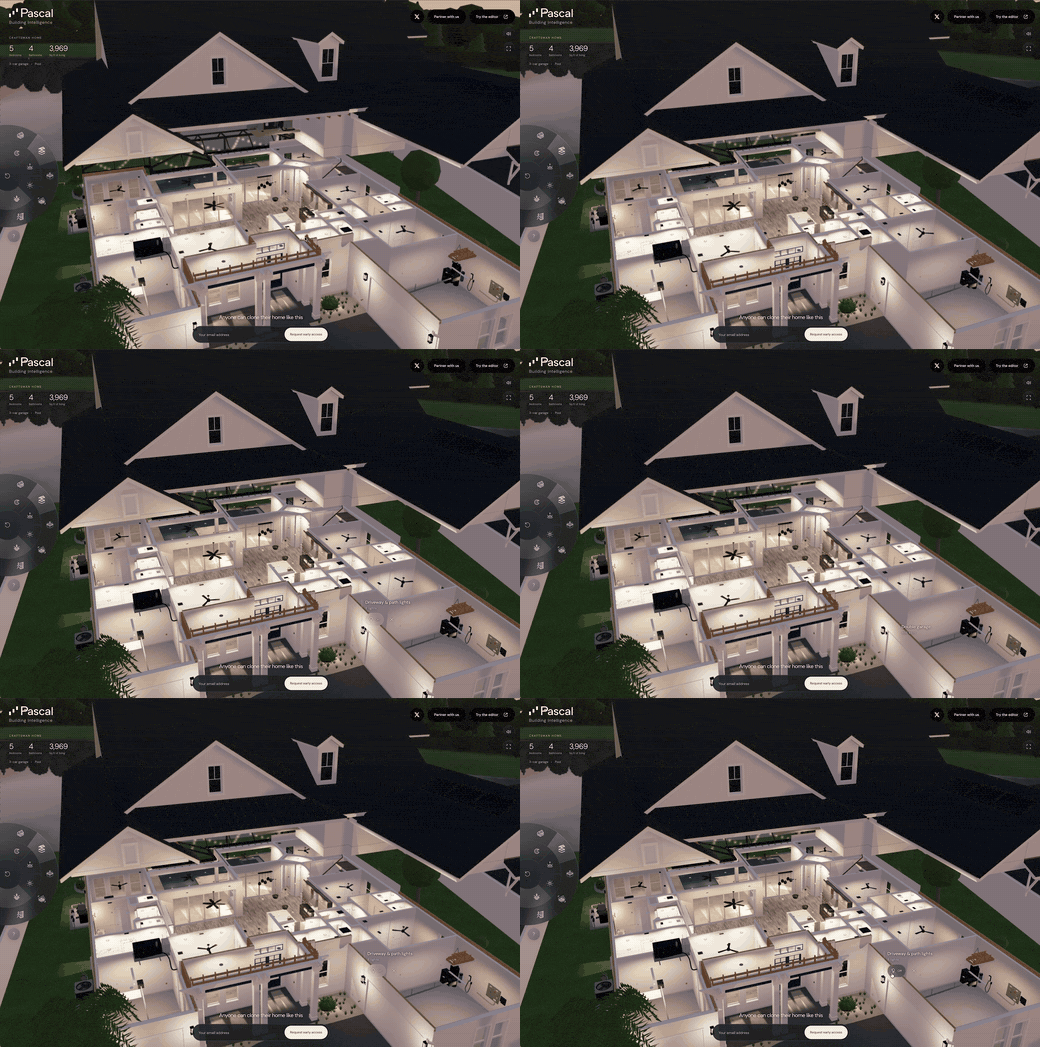
Exploded View

Cut View

Slice through buildings to reveal internal structure and systems.
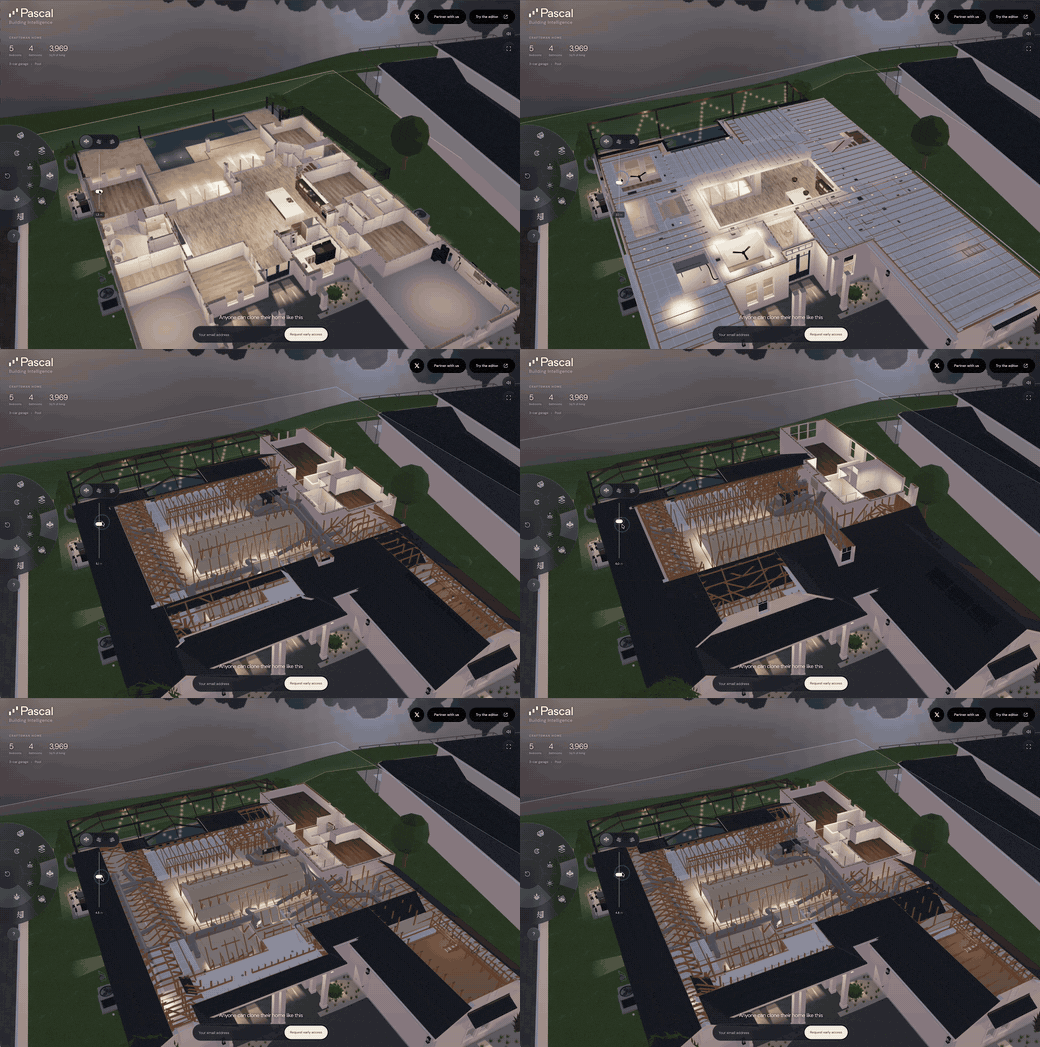
Cut View

X-Ray Mode

Reveal hidden building systems and infrastructure with X-ray vision.
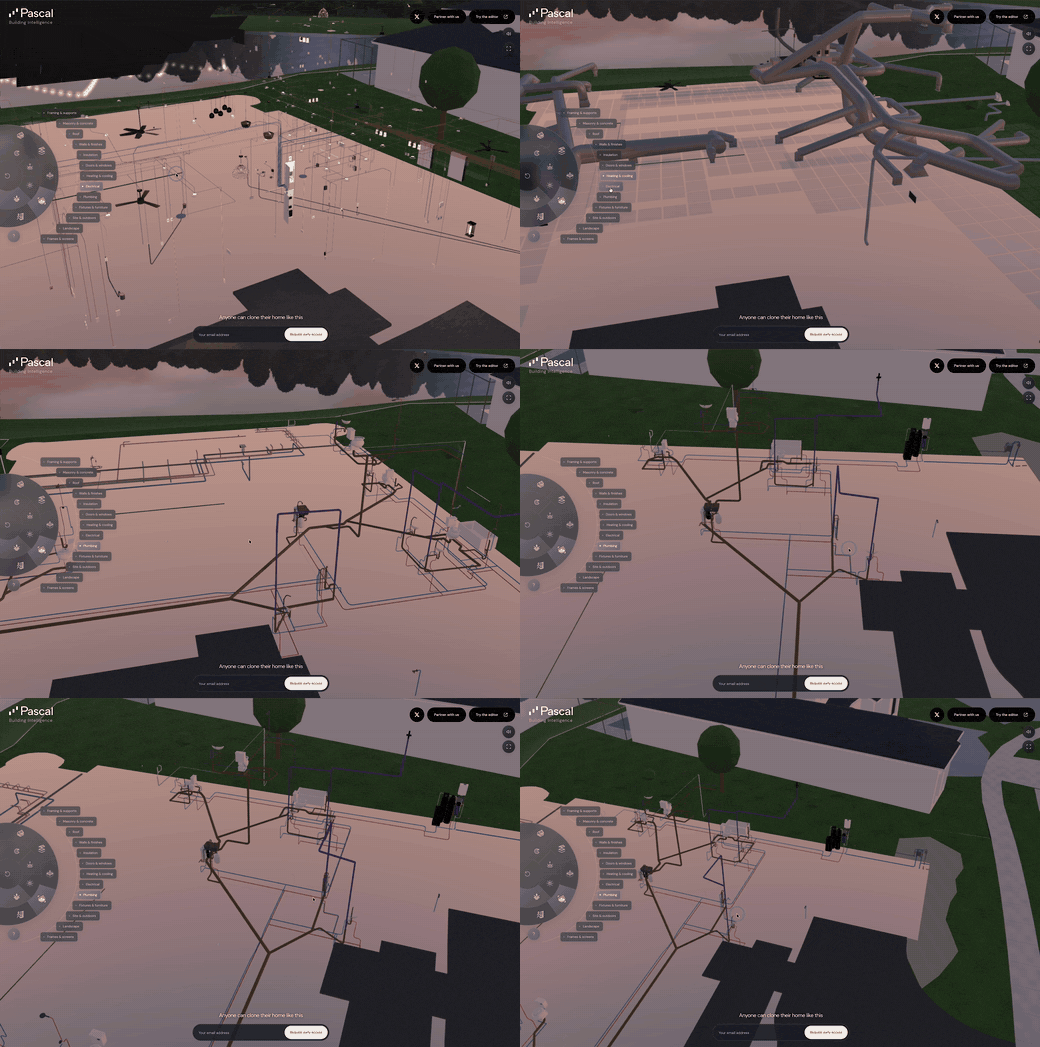
X-Ray Mode

Interactive Walkthrough

Step inside your designs at eye level and explore every detail.
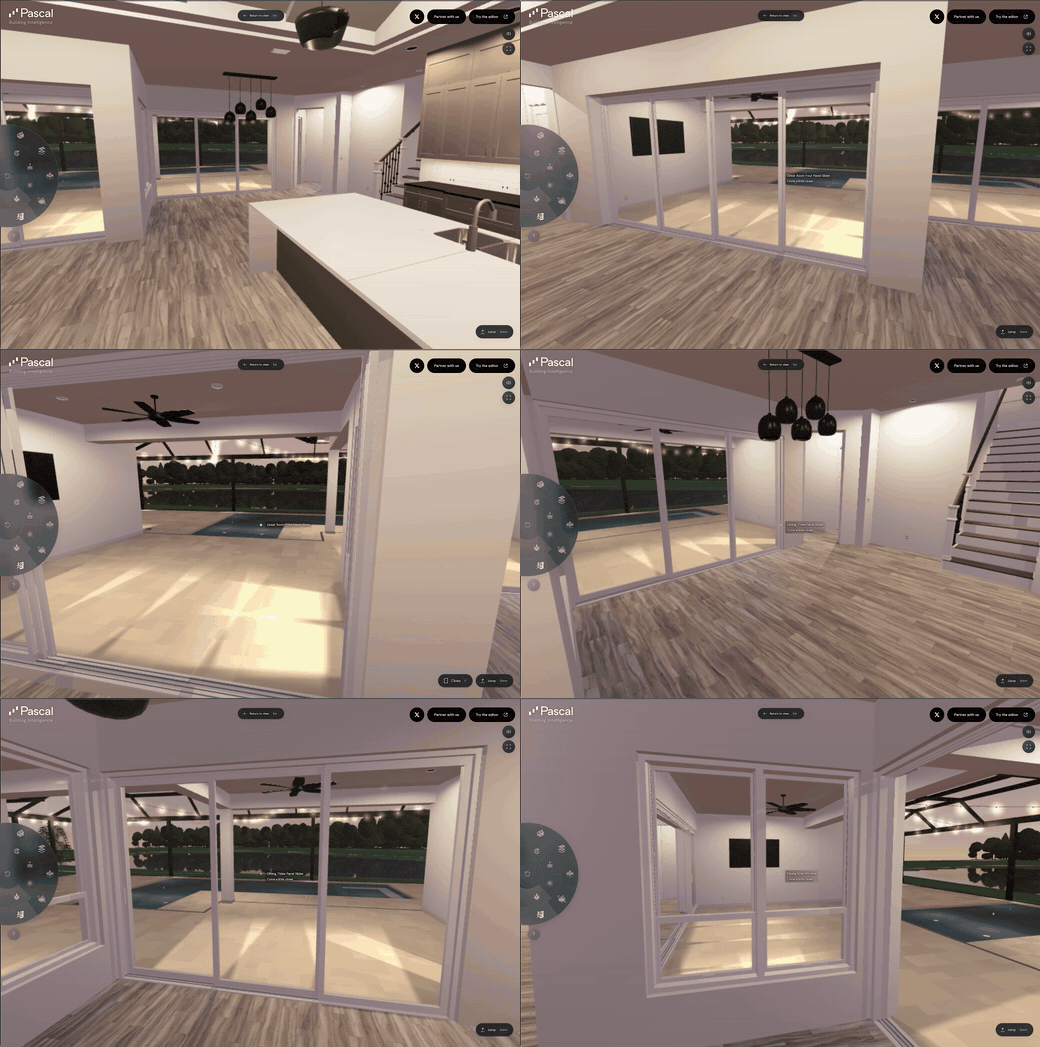
Interactive Walkthrough

Perfect For

Architects

Create detailed architectural models and presentations with professional tools.

Facility Managers

Manage building systems and infrastructure with detailed 3D documentation.

Home Services

Plan and visualize home improvements, renovations, and interior design projects.

Home Builders

Design and plan construction projects with precise 3D modeling tools.

Urban Planners

Design and visualize urban spaces and infrastructure projects.

AI Developers

Integrate AI agents with building design through MCP protocols.

Ready to Start Building?

Join thousands of architects, designers, and builders using Pascal Editor to create amazing 3D projects.